On-line Education
Lighting Mastery Training
Training for a lighting designer or operator can be conducted online or at your venue. It is important to understand that higher-level courses without basic knowledge will be meaningless.
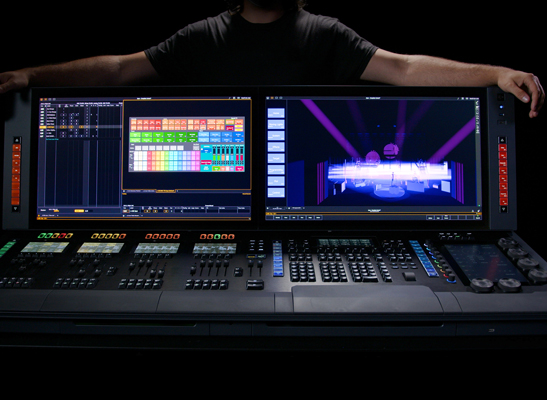
Course levels I conduct:
Basic Level 0 — for beginners
Consoles Level 1 — for beginner console operators
Consoles Level 2 — for advanced console operators
Course Level 3 — for beginner lighting designers
Course Level 4 — for advanced lighting designers
Level 0 — Basic
The basic course is designed for beginners and includes fundamentals of lighting control, installation, equipment handling, rigging setup, etc.
- Introduction to lighting control
- Network protocols (DMX-512, Art-Net, RDM)
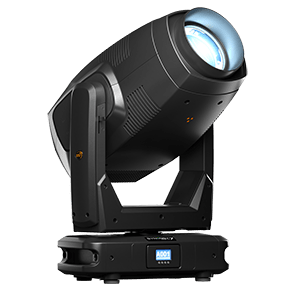
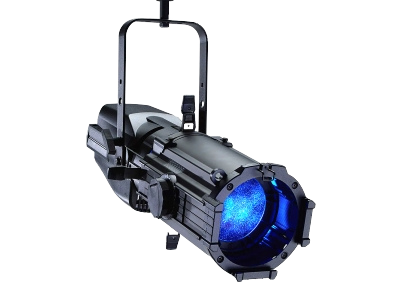
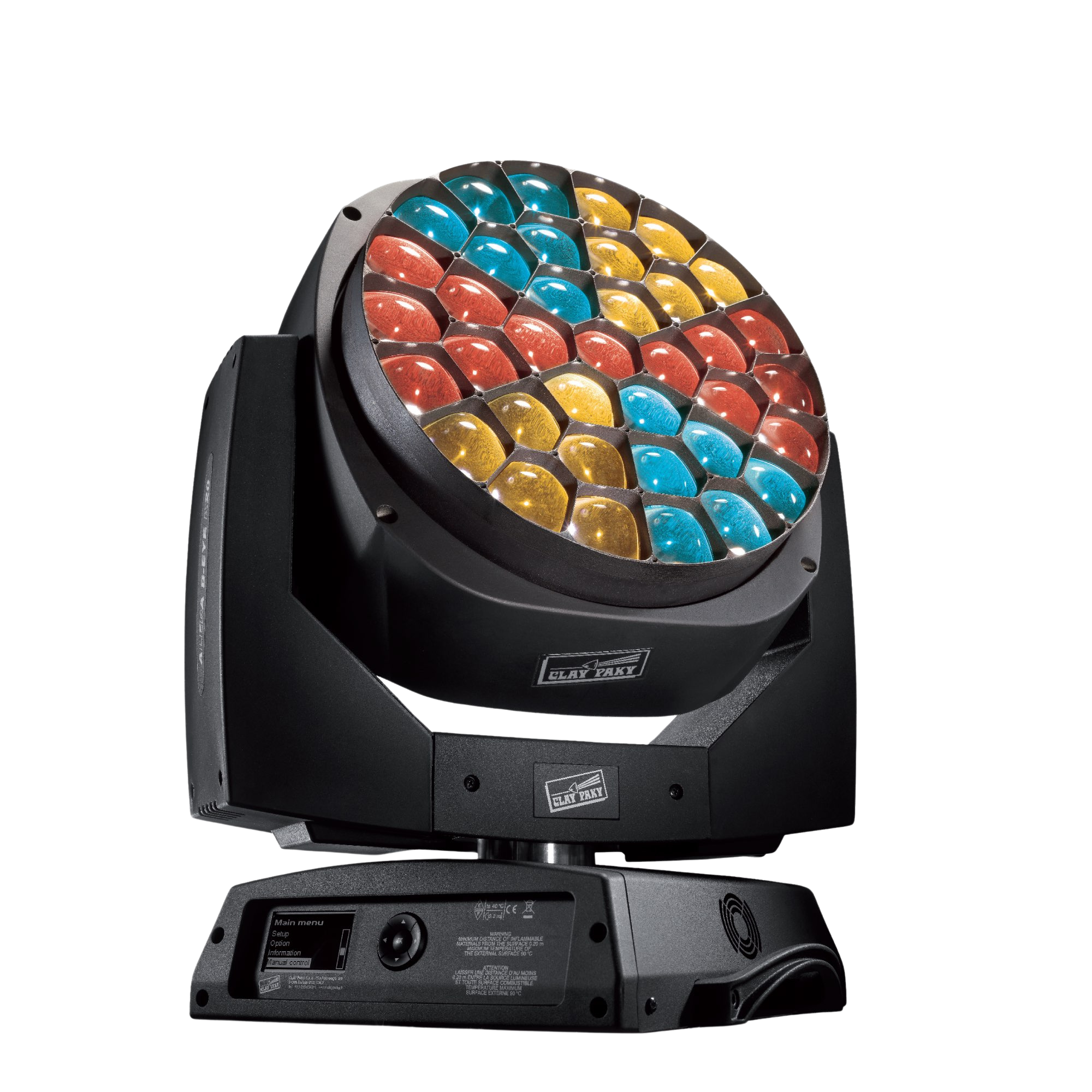
- Types of lighting fixtures and their applications
- Fixture parameters and their purpose
- Equipment connection and installation
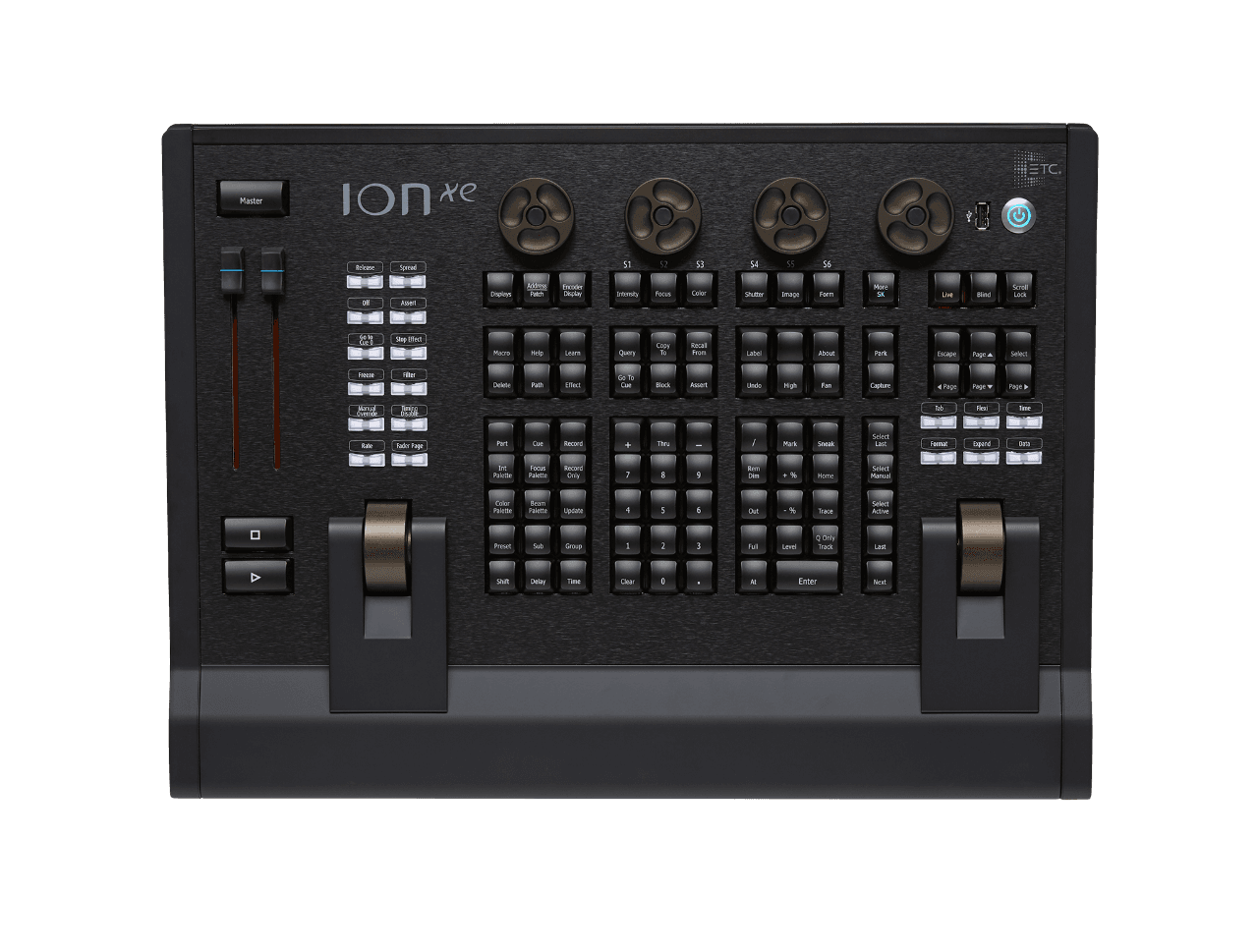
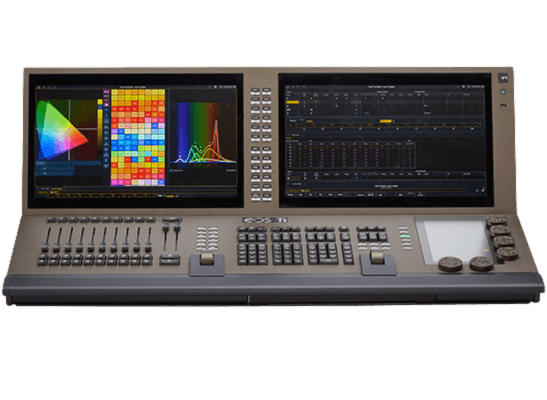
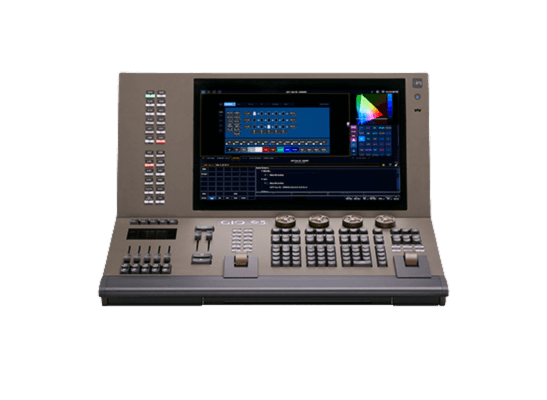
Course Level 1: Basics of working with ETC consoles
The course is designed for those already familiar with the basic course.
- Introduction to the ETC ecosystem
- Interface and main control elements
- Patching fixtures in EOS
- Basic commands and lighting control
- Working with presets, palettes, and groups
- Creating and editing CUE lists
- Basics of effects operation
- Recording and recalling submasters
- Working with Magic Sheet and visualization
- Exporting and saving show files
Course Level 2: Advanced work with ETC consoles
- Advanced patching settings and multi-console operation
- Flexible CUE lists: links, locks, and filters
- Advanced work with palettes and presets
- Tracking mode and its application
- Creating and configuring dynamic effects
- Using Macros and Custom Keyboard Shortcuts
- Color management: profiles, spectral settings, and CMY vs. HSI
- OSC, MIDI, and external triggers in ETC EOS
- Working with multi-layered timecodes and sequencing
- Workflow optimization, saving, and transferring projects
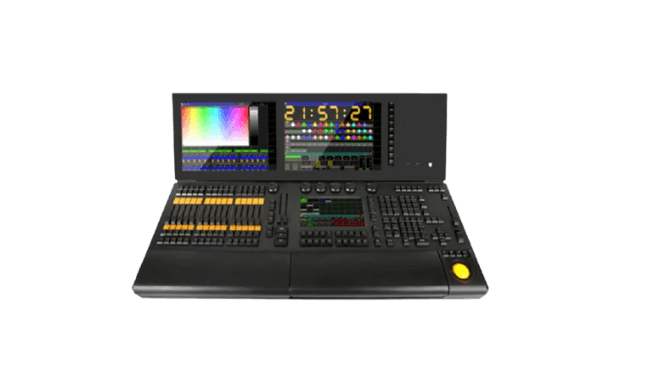
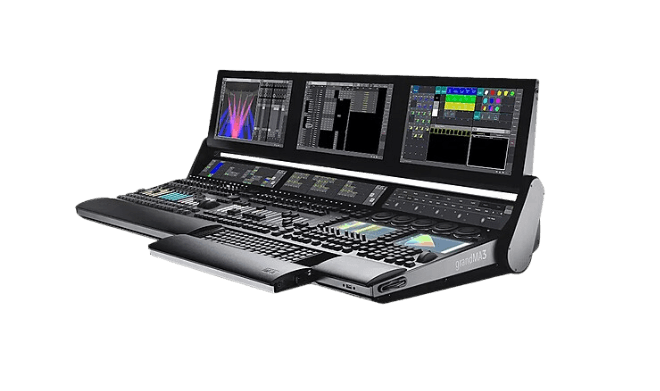
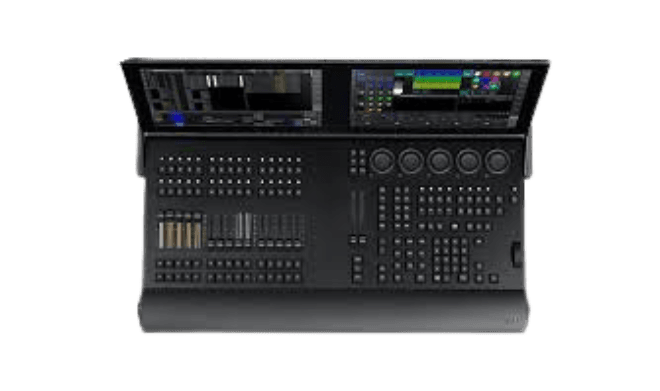
Course Level 1: Basics of working with MA2/MA3 consoles
The course is designed for those already familiar with the basic course.
- Introduction to the MA Lighting ecosystem
- Interface and main control elements
- Fixture patching and network setup
- Basic commands and preset control
- Working with Executors and Page management
- Creating and editing CUE lists
- Basics of effects and phases
- Working with Layout View and 3D visualization
- Exporting and saving show files
Course Level 2: Advanced work with MA2/MA3 consoles
- Advanced patching settings and Universe management
- Recording and using Macros
- Tracking mode and lock handling
- Flexible CUE lists: filters, priorities, and Overrides
- Advanced effects work: Phasers and dynamics
- Using Recipes and structuring programming
- Integration with third-party protocols (Art-Net, sACN, OSC, MIDI)
- Timecode, synchronization, and show automation
- Using LUA scripts for automation
- Working with multiple users and multi-console mode
- System optimization, backups, and project transfer
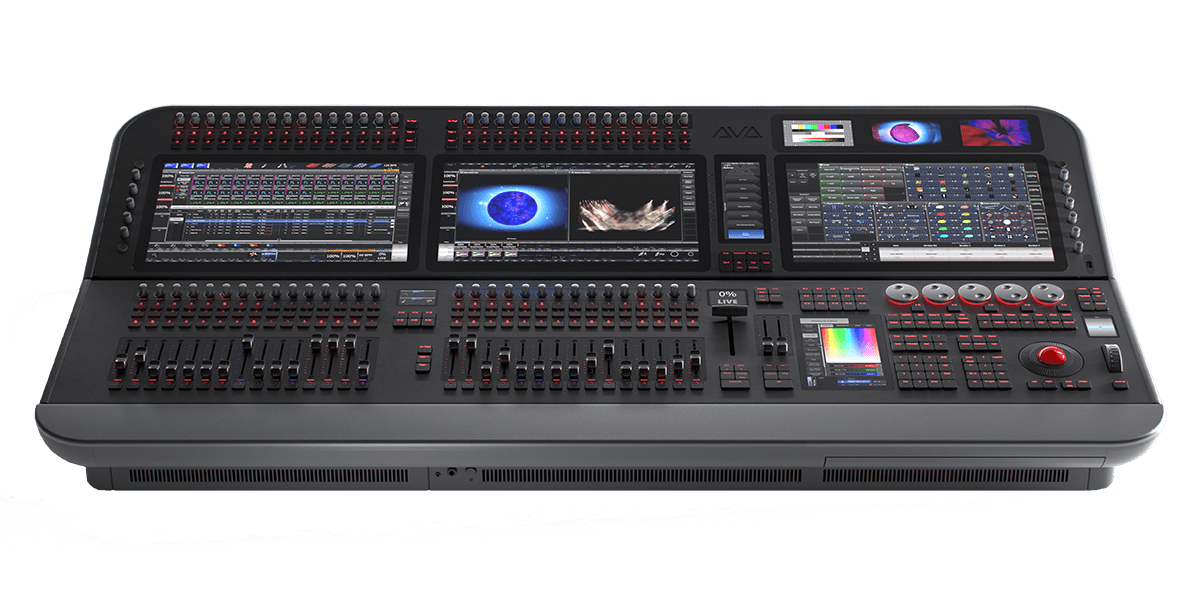
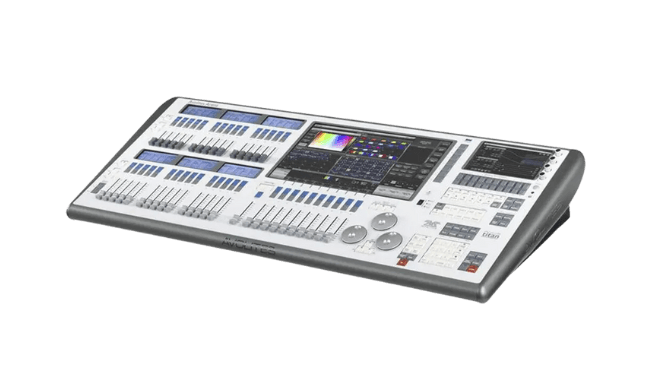
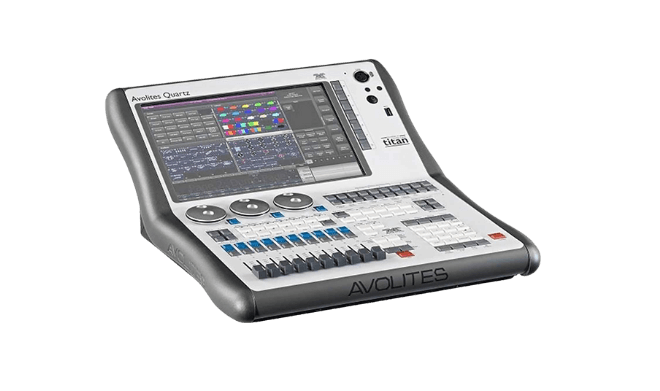
Course Level 1: Basics of working with Avolites consoles
The course is designed for those already familiar with the basic course.
- Introduction to the Avolites ecosystem: consoles and software
- Interface and main controls in Titan OS
- Fixture patching and DMX/Art-Net setup
- Working with groups, palettes, and attributes
- Recording and editing CUE lists (Playbacks)
- Working with Key Frame Shapes and Pixel Mapper
- Basics of network functions and synchronization
- Exporting, backups, and saving show files
Course Level 3: Fundamentals of working as a lighting designer
The course is designed for those who have completed Level 0 and Level 1 courses
- The role and responsibilities of a lighting designer in various genres of theater and concerts
- Basics of lighting dramaturgy: how light affects the perception of the stage
- Types of lighting fixtures and their application in theaters and concert halls
- Lighting plans and their construction depending on the genre and venue
- Working with color, shadows, and dynamic effects
- Communication with the director, conductor, and technical team
- Basics of installation, safety, and rigging
- Preparation and implementation of the lighting plan
- Working with documentation: lighting score, script plan, connection diagrams
Course Level 4: Advanced work as a lighting designer
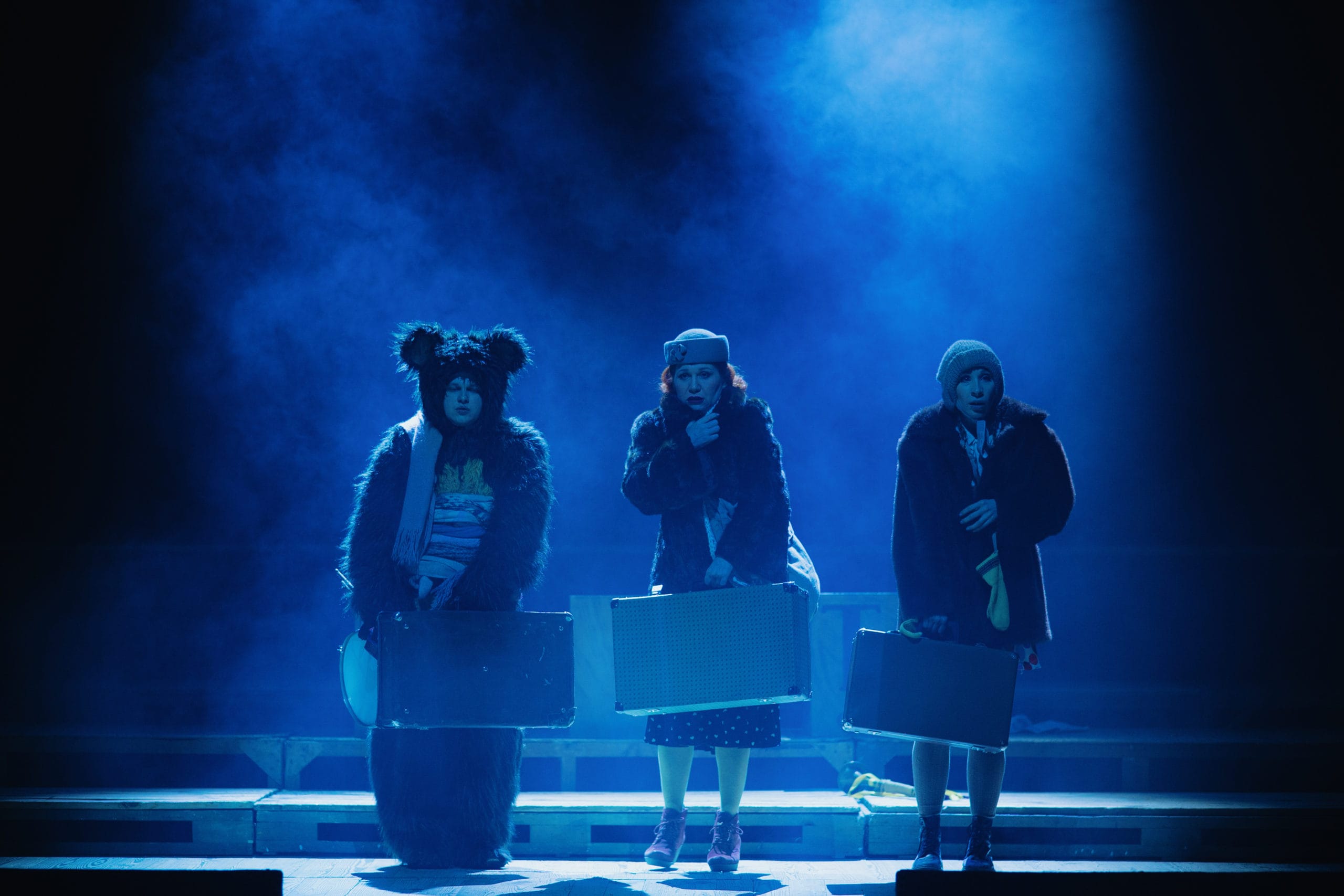
Drama Theater
- Developing the lighting concept for a production
- Working with the lighting score and lighting accents
- Using shadows, backlight, and side lighting
- The role of color and its combinations in the stage action
- Light as a tool for creating atmosphere
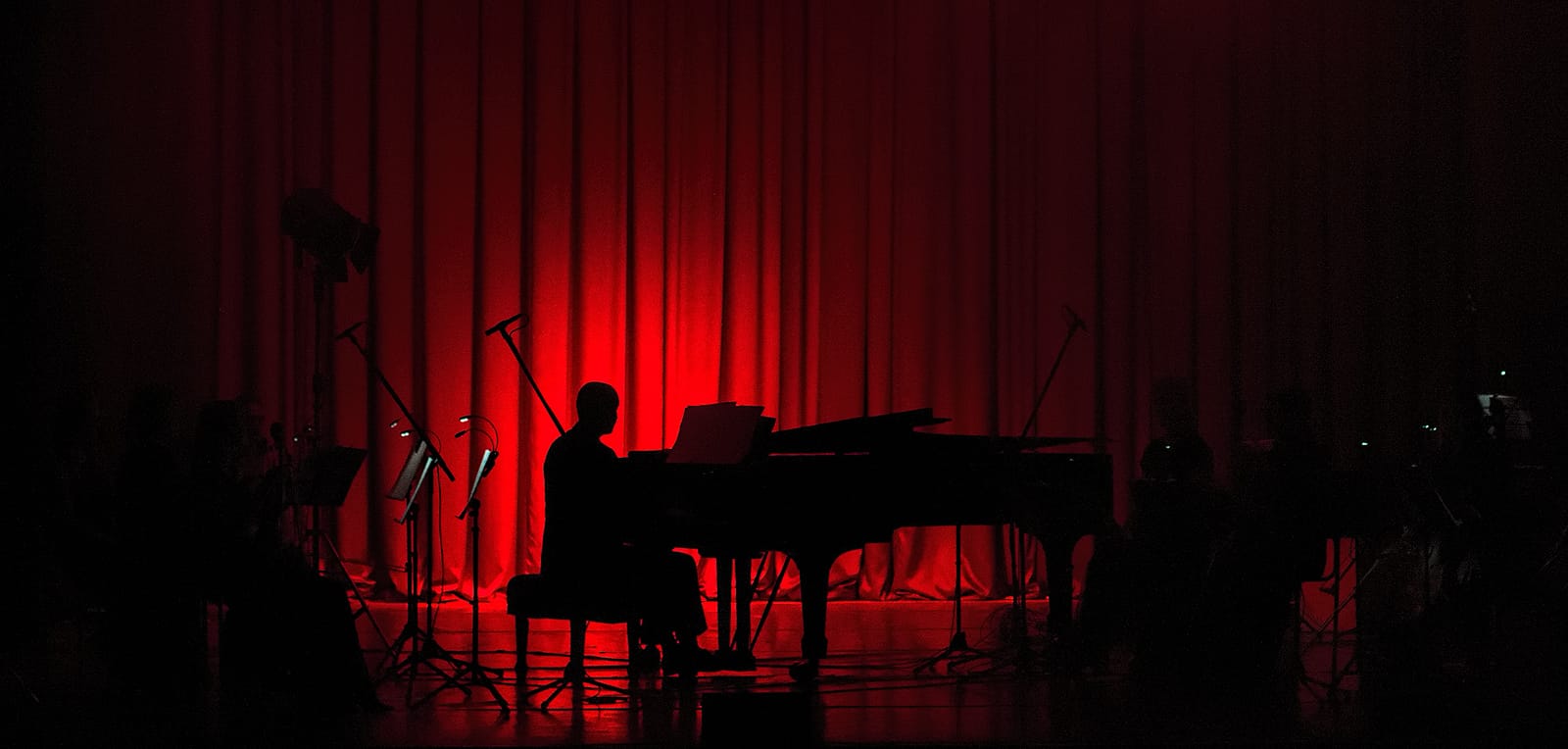
Philharmonic and symphonic concerts
- Lighting the orchestra and soloists: fixture placement and color palette selection
- Working with classical pieces and multimedia projects
- Using architectural lighting in concert halls
- Dynamic lighting synchronized with musical accents
Puppet theater
- Features of lighting puppets, marionettes, and stage space
- Working with projection, shadow effects, and black box
- Specifics of lighting small formats and chamber productions
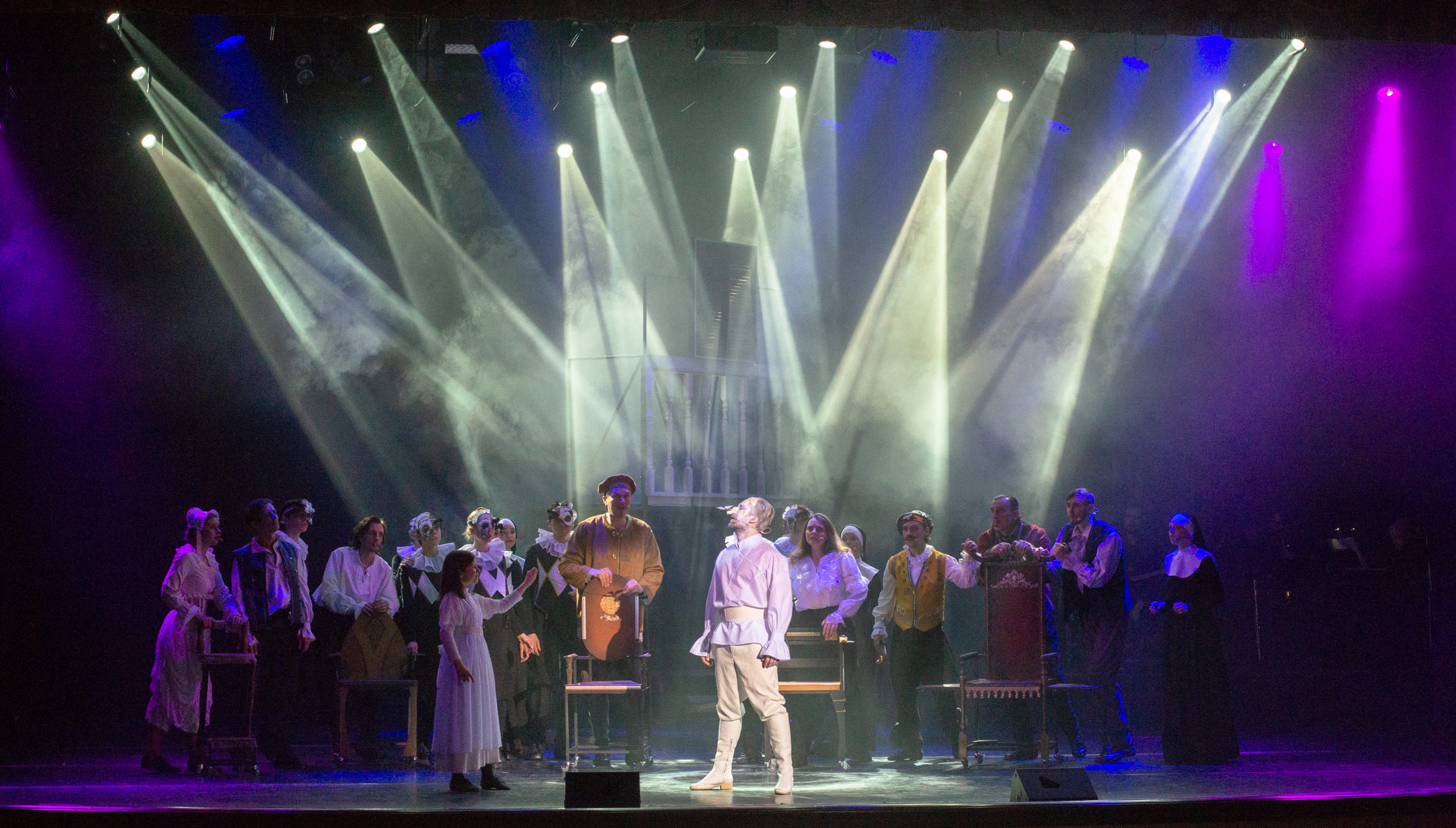
Concert hall and pop shows
- Light shows in live music: working with rhythm and dynamics
- Creating lighting scenes for various genres (rock, pop, jazz, etc.)
- Using modern technologies: LED screens, lasers, special effects
- Synchronizing lighting with music, timecode, and multimedia control
Final section
- Programming optimization and effective console usage
- Preparation and execution of touring and repertory projects
- Skill development and adaptation to modern technologies